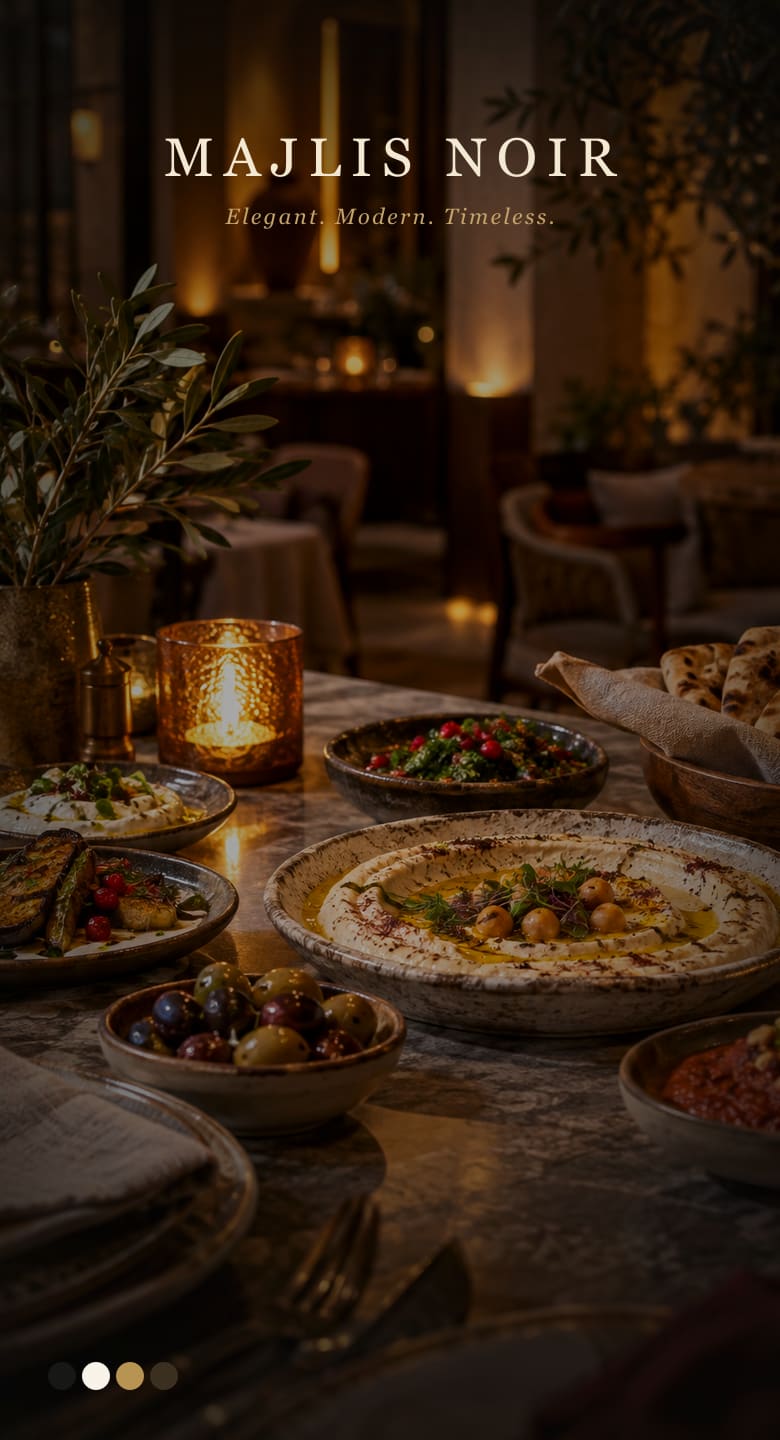
Majlis Noir
Editorial dark dining — gold accents, chapter gallery, bilingual index.
- Mobile-first All Categories layout
- Works with 1–3 restaurant languages
FIXTET Menu
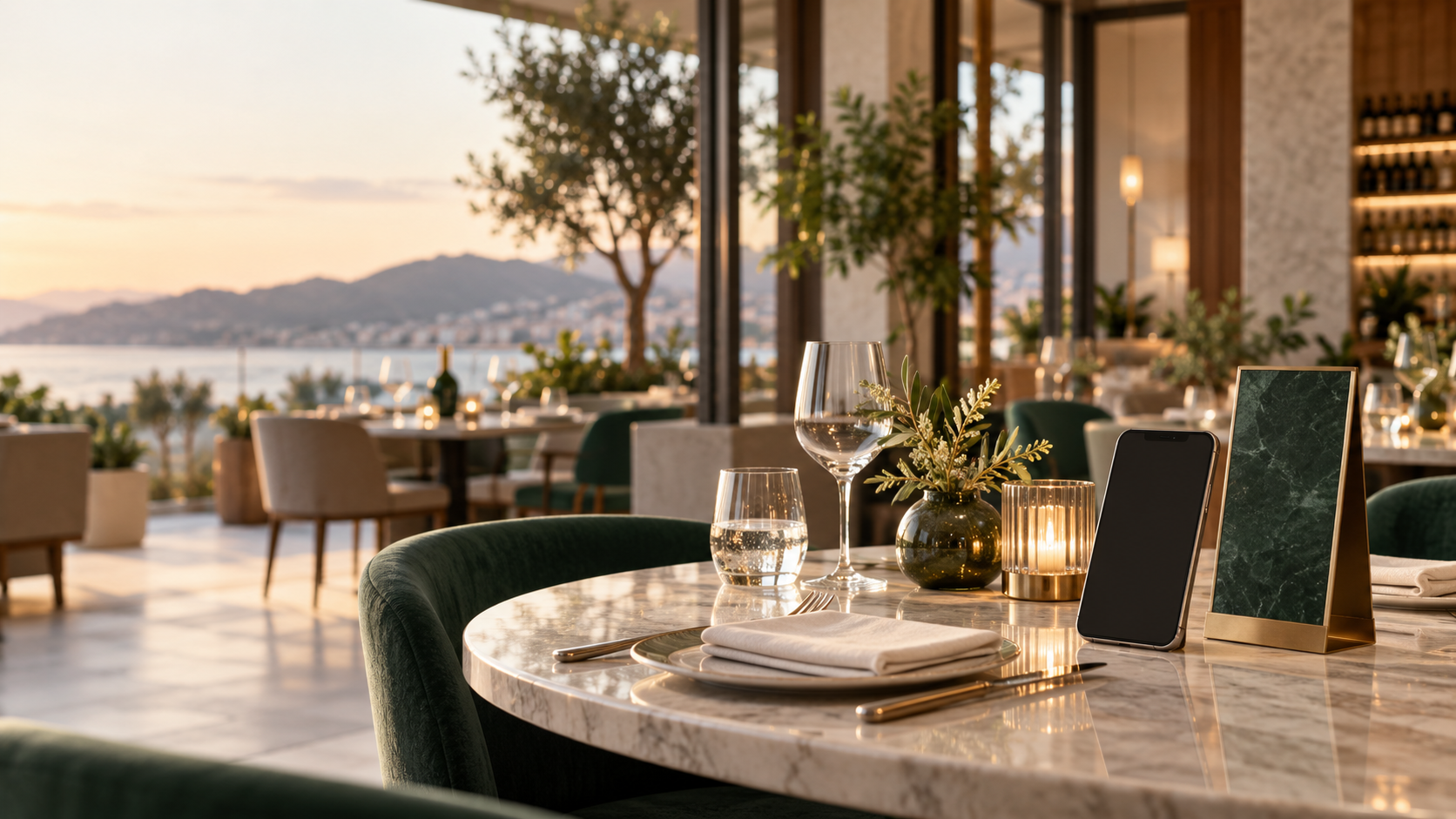
Create a branded multilingual menu, publish it by QR, and optionally accept table orders — without asking guests to download an app.
Up to 3 languages · No app required · Edit anytime
Templates
Every template works with both plans.
Editorial dark dining — gold accents, chapter gallery, bilingual index.
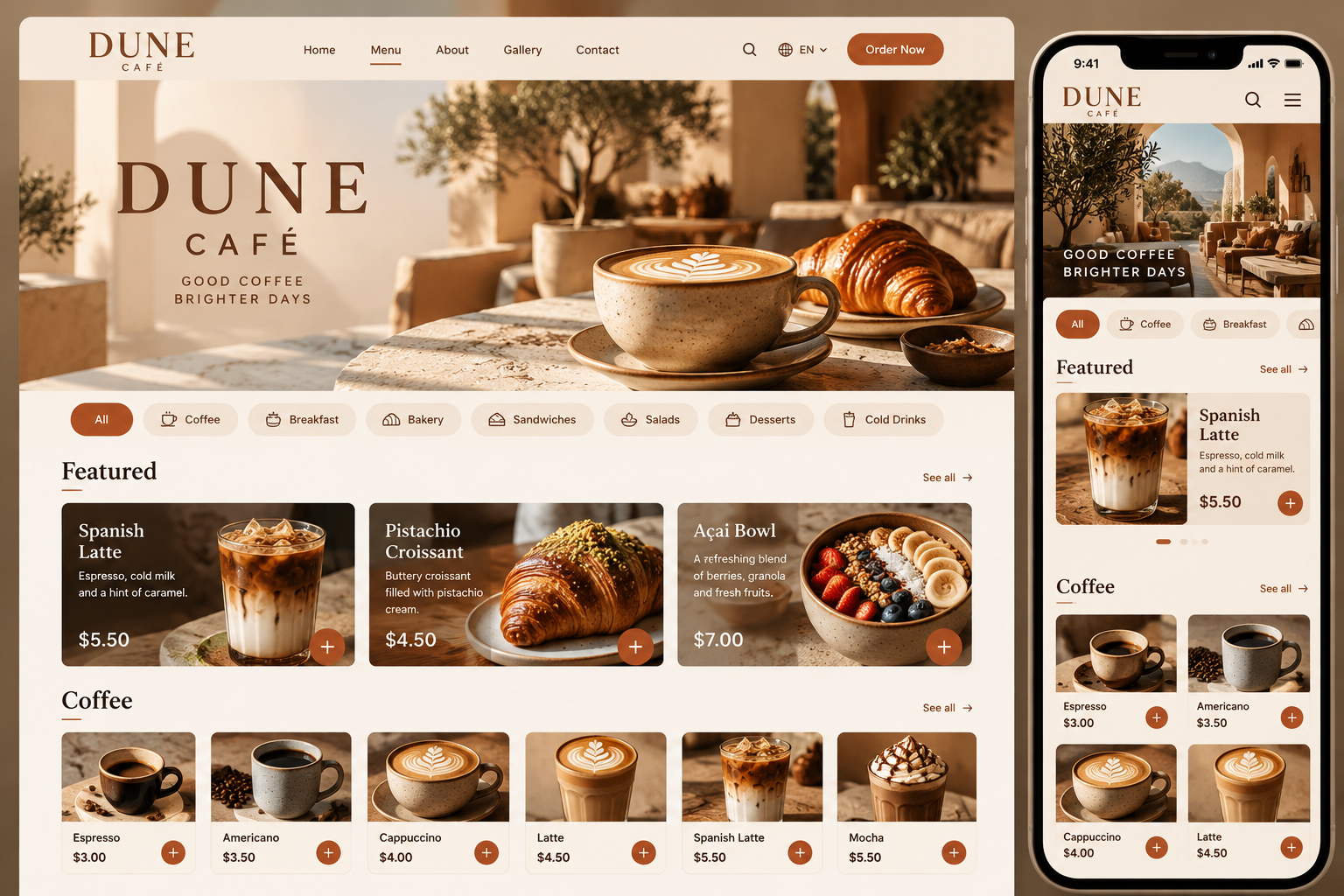
Warm contemporary café — terracotta accents, photography-forward grids, daylight desert atmosphere.
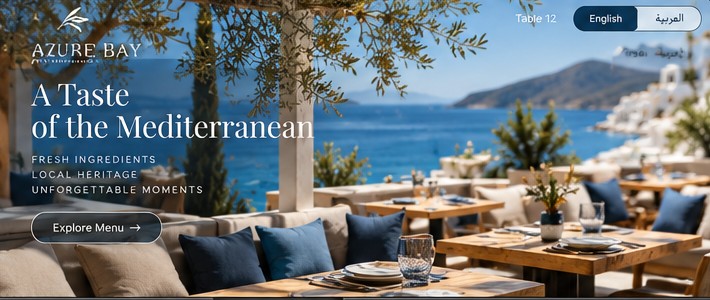
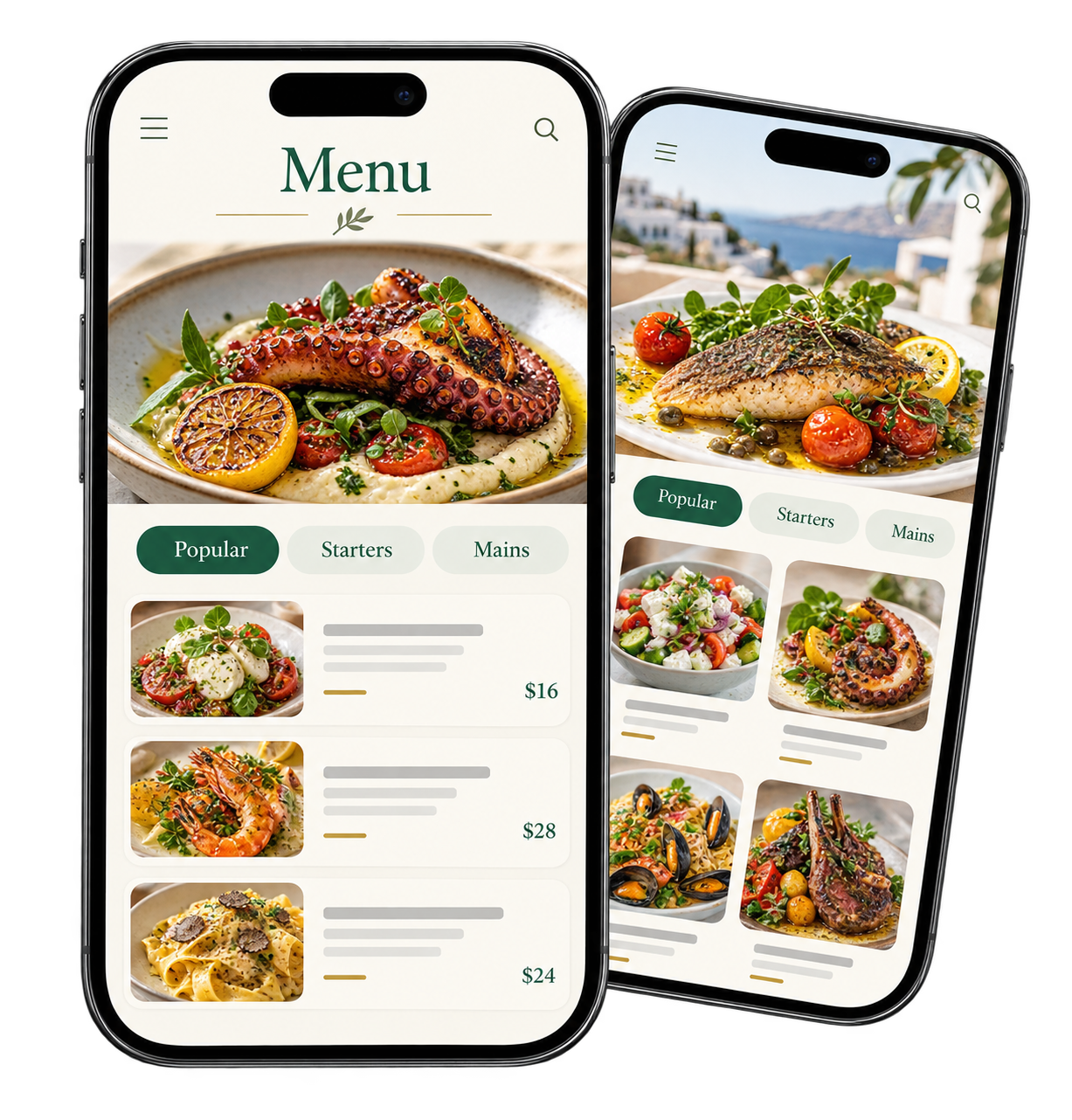
Mediterranean coastal — deep navy, sea blue, sand, bright terrace photography.
More templates are on the way. Every future template will work with every plan.
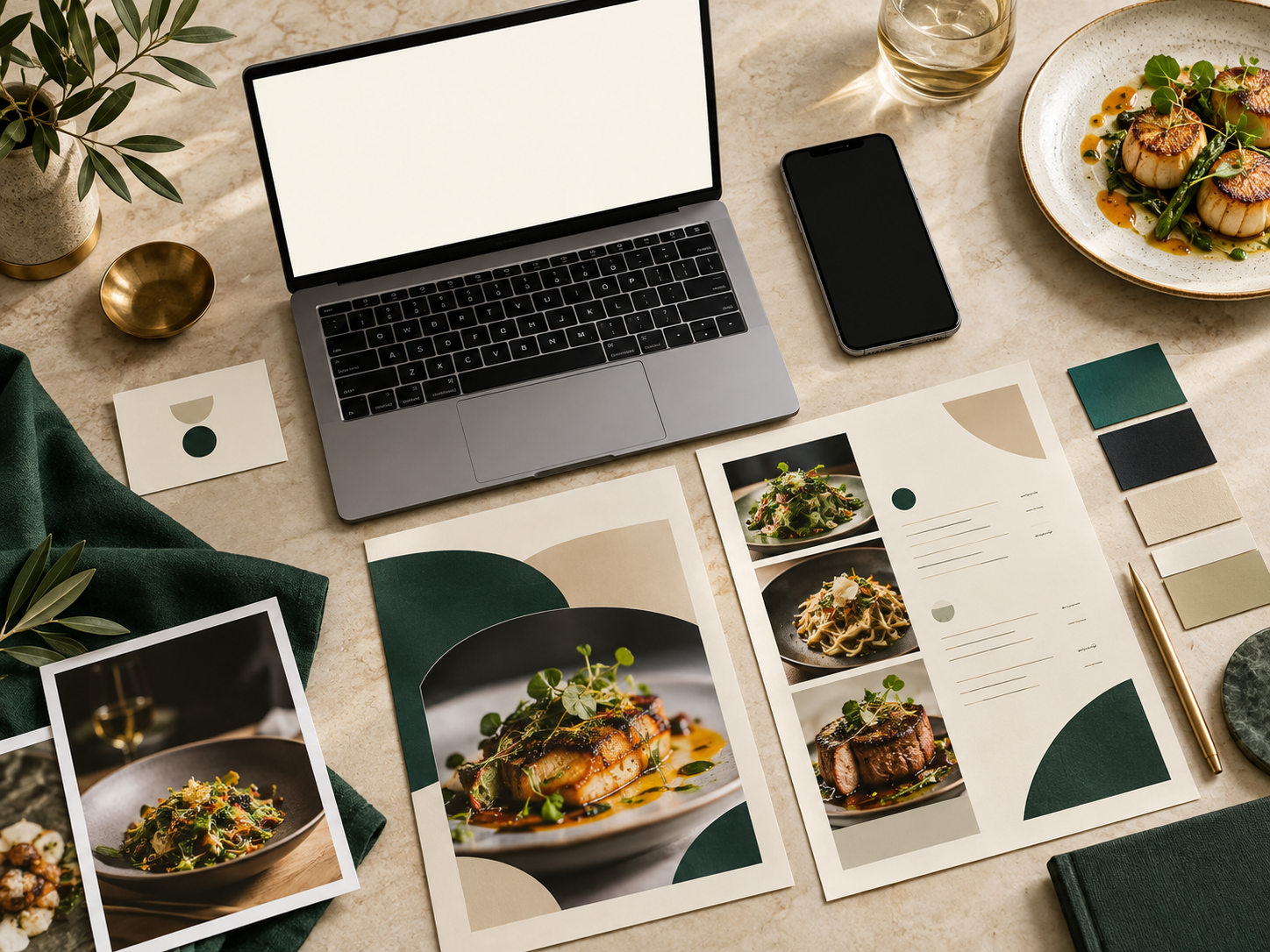
Shape the guest experience without a designer on call — then keep editing after you publish.
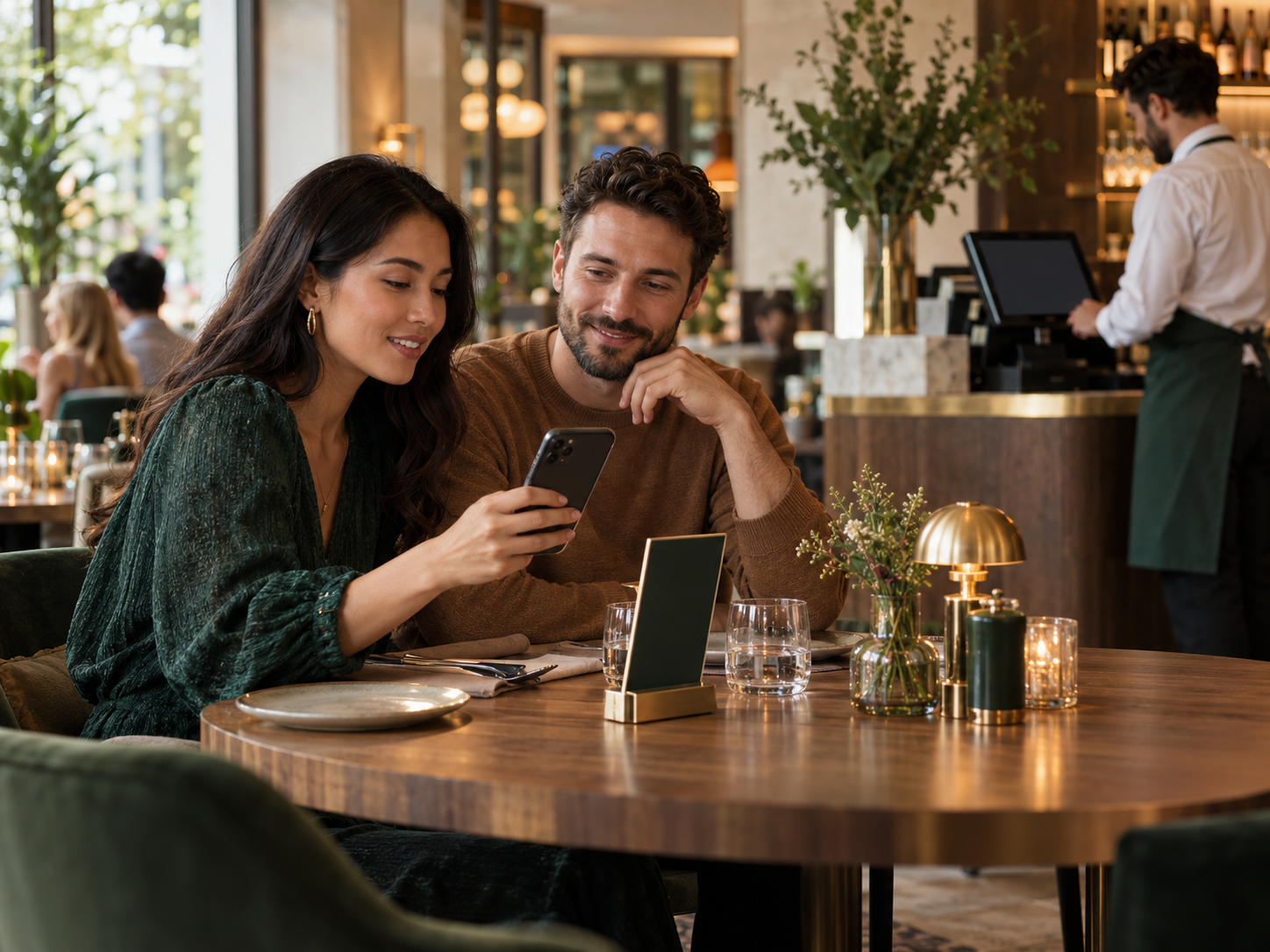
Guests scan their table QR, browse your menu, order or call a waiter — staff see the request with the table identity.
Pricing
Annual billing is 10 months — 2 months free.
Professional digital menu with one shareable QR code.
$9.99/month
Turn your digital menu into a complete table ordering experience.
$24.99/month
Both plans include all templates, mobile-friendly menus, instant updates, and no app required for guests.
A digital menu is a mobile-friendly restaurant menu guests open in their browser by scanning a QR code — no paper reprint when you change prices or dishes.
No. Guests open your menu in the browser by scanning the QR code.
Digital Menu includes one shareable QR for your public menu. Menu + Ordering adds a unique QR per table so each order is tied to the right table.
Yes. Edit categories, items, and prices anytime — guests see the latest menu when they scan again.
Choose one primary language, then optionally add one or two more — up to three total on the public menu. Guests can switch languages.
Digital Menu is a professional public menu with one QR. Menu + Ordering adds per-table QR codes, guest ordering, Live Orders, waiter calls, and sales analytics.
Guests scan their table QR, browse the menu, and send orders to your Live Orders dashboard. Staff move orders New → Preparing → Ready → Served.
Yes on Menu + Ordering. Guests can request a waiter from the menu, and staff get an alert on the Live Orders screen.
Yes on Menu + Ordering. Create tables individually or in a range, preview each QR, and download PNG, SVG, or a ZIP of all codes.
Menu + Ordering includes sales and ordering analytics: order counts, sales totals, average order value, most ordered items, busiest hours, and waiter-call counts for Today, 7 days, or 30 days.
Yes. Start with Digital Menu for browse-only publishing, or upgrade to Menu + Ordering when you are ready for table QR codes and guest orders. Manage billing from your account.